
Why Every Dental Practice Needs PractCom
PractCom helps your team send post-treatment instructions, informed consents, med cards, compliance forms, referrals, emergency guides, translations, and patient documents by email, text, print, and secure Patient Portal access — all with tracking.
- ✓ 15 Day Free Trial
- ✓ No Credit Card Needed
- ✓ Free Setup
- ✓ Free Upgrades Forever
- ✓ Cancel Anytime
Built by a dentist for dental teams that need faster workflows, clearer patient communication, and stronger documentation.
PractCom creates a clearer communication trail — what was sent, how it was delivered, when it was sent, and which version was used.
Patients forget. Staff gets interrupted. Documentation gets scattered.
Every dental office knows the problem: patients leave with questions, staff repeats the same instructions, referrals get delayed, forms get handled manually, and documentation can be hard to prove later.
PractCom puts the most common patient communication workflows into one system, so your office can deliver clear information faster and keep a better record of what happened.
“The question is no longer whether your office gave instructions. The question is whether you can show exactly what was sent, when it was sent, and how the patient received it.”
PractCom has grown far beyond basic after-care notes.
The upgraded platform now supports more of the everyday communication, compliance, documentation, referral, and patient-access needs inside a modern dental practice.
Text Message Delivery
Send instructions, consents, med cards, referrals, and important documents by text when patients need fast access.
Patient Portal
Give patients 24/7/365 access to their PractCom documents so they can view, download, or print them when needed.
15 Language Translation
Improve understanding with multi-language document delivery for patients who prefer another language.
Compliance Forms
Document refusals, missed treatment, declined X-rays, incomplete care, and other risk-management situations.
Smile Design AI
Help patients visualize cosmetic possibilities and encourage more informed cosmetic conversations.
Referral Management
Create, send, track, and organize referrals, including inbound referral tracking and thank-you automation.
Editable Libraries
Customize templates, save your preferred wording, and keep your communication consistent across providers.
Delivery Logs
Track what was sent, when it was sent, how it was delivered, and which version was used.
Everything your team sends after the patient says “yes,” “no,” or “I’ll think about it.”
PractCom supports the critical communication moments that happen before treatment, after treatment, during referrals, and when patients do not follow recommended care.
Post-Treatment Instructions
Send clear, plain-language instructions for common and complex dental procedures by email, text, print, and portal access.
- Extractions, implants, crowns, root canals, dentures, whitening, perio, pediatrics, and more
- Editable and practice-branded
- Delivery logs and version tracking
Informed Consents
Standardize how your office presents treatment information, alternatives, risks, limitations, and patient acknowledgment.
- 80+ consent templates
- Editable before delivery
- Designed for consistency and documentation
Med Cards
Give patients medication instructions, cautions, side effects, and safety reminders in simple patient-friendly language.
- Common dental medications
- Editable instructions
- Print, email, text, and portal access
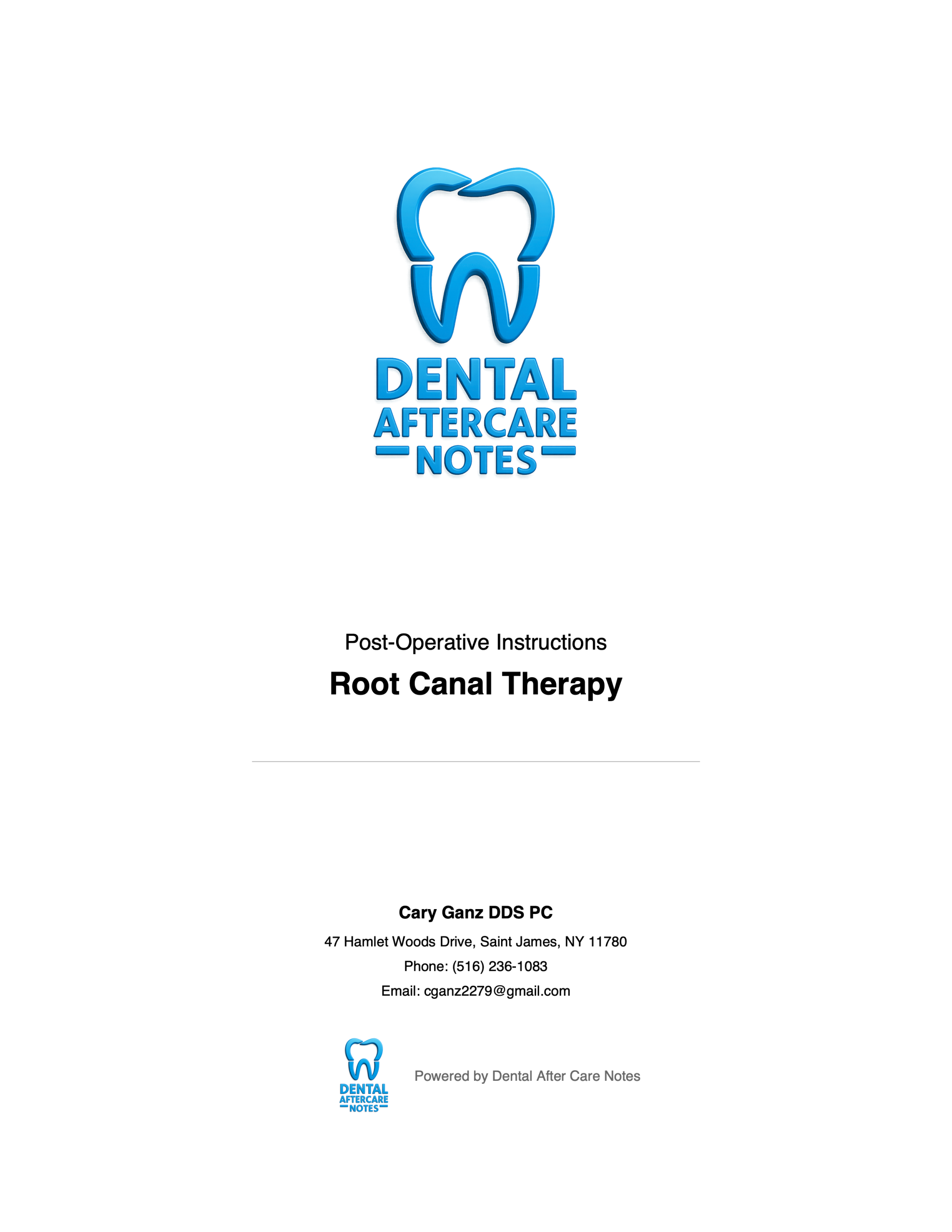
Show patients exactly what to do after treatment.
PractCom’s patient-ready documents are designed to be clear, professional, printable, editable, and easy for the team to deliver quickly.
Stop relying on memory, sticky notes, and “I think we sent it.”
PractCom helps your office create a clearer record of patient communication so your team can work faster and answer questions with confidence.
- Track what document was sent
- Track how it was delivered: email, text, print, or portal
- Track when it was sent
- Maintain version history for edited templates
- Keep documents organized by patient inside PractCom
The “prove it” advantage
When a patient says, “Nobody told me,” your practice should not be stuck in a he-said/she-said conversation. PractCom gives your team a more consistent communication process and a stronger internal record.
General risk-management information only. PractCom is not legal advice. Each practice should customize forms and consult appropriate professional/legal advisors for jurisdiction-specific requirements.
When patients decline care, refuse X-rays, or fail to complete treatment, your office needs more than a verbal note.
PractCom helps turn common risk-management moments into a structured, documented workflow. The office can send a clear form, request patient acknowledgment, receive the signed copy, and keep it organized in the patient’s PractCom record.
Patient Declines
The patient refuses treatment, X-rays, recommended care, or does not complete treatment.
Form Is Selected
Your team selects the appropriate editable compliance form inside PractCom.
Email/Text Sent
The patient receives a request to review and sign the form acknowledging the possible risks.
Patient Signs
The signed acknowledgment is returned to the office for documentation.
Record Updated
The signed form is saved inside the patient record in PractCom.
Practice Protected
Your team has a clearer record that the patient was informed and acknowledged the concern.
Refusal of Treatment
Document when a patient declines recommended treatment and acknowledges potential consequences.
Refusal of X-Rays
Create a clearer record when a patient refuses radiographs that may be needed for diagnosis or treatment planning.
Failure to Complete Treatment
Follow up with patients who started treatment but did not finish, while documenting the office’s communication.
Give patients 24/7/365 access to their documents.
Patients misplace papers, forget instructions, and call the office when they cannot find what they need. The Patient Portal gives them a simple way to access their PractCom documents any time.
- Post-treatment instructions
- Informed consents
- Medication cards
- Referral documents
- Compliance forms
- Other documents generated in PractCom
Why the portal matters
Patients get access when the office is closed, caregivers can re-check instructions, and your team may receive fewer repetitive calls asking for the same information.
- View documents online
- Download documents
- Print documents
- Access instructions after hours
- Support patient confidence and clarity
15 language support helps patients understand what matters.
When patients do not fully understand their instructions, compliance drops and anxiety rises. PractCom’s translation feature helps your practice communicate more clearly with more patients.
- Post-treatment instructions in the patient’s preferred language
- Consents and forms translated for better understanding
- Support for diverse communities and caregivers
- More professional communication without slowing down the team
Clear communication should not stop at one language.
Give patients instructions and documents they can better understand, while helping your staff avoid rushed, inconsistent explanations during busy clinical days.
Create, send, track, and organize referrals without hunting for old referral pads.
PractCom helps make referrals faster and more organized — with outbound referrals, inbound tracking, thank-you automation, and referral visibility that supports stronger professional relationships.
Outbound Referrals
Create and send referrals by email, text, or print, then keep a record of what was sent and when.
Inbound Referral Tracking
Track incoming referrals so your office can monitor relationships and follow up more consistently.
Thank-You Automation
Send structured thank-you emails and help referral sources feel recognized and appreciated.
Turn cosmetic curiosity into better patient conversations.
Smile Design AI helps dental practices show patients potential cosmetic smile transformations, making it easier to start conversations about whitening, veneers, bonding, clear aligners, and other cosmetic opportunities.
- Patient-friendly smile visualization
- Useful for cosmetic consults and case presentation
- Can support increased cosmetic case interest
- Helps staff and doctors start more engaging treatment conversations
A stronger ROI story for the dental office
PractCom is no longer just about sending documents. It now helps your practice improve communication, reduce repetitive tasks, strengthen referrals, support compliance workflows, and create more patient engagement.
Designed for real dental offices, not complicated software training.
The goal is simple: get the right information to the right patient quickly, while keeping the office organized.
Add or Select Patient
Use an existing patient or add a new patient with contact information.
Choose Document
Select instructions, consent, med card, referral, emergency guide, or compliance form.
Edit if Needed
Customize wording so the document matches your practice, provider, and patient situation.
Deliver Instantly
Send by email, text, print, or give patients portal access.
Track Delivery
Keep a clearer record of what was sent, when, and how.
Support the Practice
Reduce confusion, improve consistency, and strengthen documentation.
Because communication is now part of patient care, documentation, efficiency, and growth.
Save Staff Time
Stop rebuilding forms, searching for old PDFs, or repeating the same instructions over and over.
Reduce Patient Confusion
Give patients clear written instructions they can revisit after the appointment.
Strengthen Documentation
Track delivery, forms, signatures, versions, and patient communication inside PractCom.
Increase Practice ROI
Improve efficiency, referrals, patient follow-through, cosmetic interest, and staff productivity.
Standardize the Team
Help every provider and team member deliver the same quality of communication.
Support After-Hours Needs
The Patient Portal gives patients access to documents even when your office is closed.
Start PractCom today. No credit card required.
Complete the short form and your practice can begin using PractCom’s communication, documentation, forms, portal, translation, and referral features.
Included with your trial
- 15 days free
- No credit card required
- Free setup
- Free upgrades forever
- Editable templates and practice branding
- Patient communication tracking and document delivery logs
PractCom Registration
Complete the form below to start your 15 day free trial.
PractCom is built to be easy for dental teams to adopt.
Can we edit the forms and templates?
Yes. PractCom is designed so your practice can edit and customize content to match your clinical preferences and office policies.
Can patients receive documents by text?
Yes. The upgraded PractCom messaging now supports text delivery as part of the modern patient communication workflow.
Does PractCom include a Patient Portal?
Yes. Patients can access their PractCom documents through the Patient Portal, including post-treatment instructions, consents, med cards, referrals, and other generated documents.
Does PractCom support translations?
Yes. PractCom includes 15 language translation support to help more patients understand the documents your office provides.
Can PractCom help with refusal forms?
Yes. PractCom can support workflows for refusal of treatment, refusal of X-rays, incomplete treatment, and similar compliance documentation needs.
Does PractCom replace legal advice?
No. PractCom provides editable communication and documentation templates. Your office should review, customize, and obtain professional or legal review where appropriate.
Is there a free trial?
Yes. PractCom offers a 15 day free trial with no credit card needed.
What does it cost to get started?
The trial requires no credit card. Setup is free, upgrades are included, and your practice can cancel anytime.